
Slidesong · Photo to Video Slideshow
Turn your photos into a video slideshow
Pick an occasion, add your photos and give the story an opening and an ending. Let Slidesong share out the time, then choose a soundtrack and make it yours.
Choose when to save online.
- Pick occasionA starting style for your moment
- Add photosKeep the whole photo in view
- Shape your storyAdd text cards, timing and music
- Preview and exportWatch it through, then keep an MP4
Choose your occasion
A starting style for your story.
More occasions
Add your photos
Your order. Your favorite moments.
Drag to reorder. Use Alt + ↑ / ↓ on a photo, or the move buttons below.
Photo captions, timing & order
Choose a photo to edit its caption and timing.
Add words & music
A beginning, an ending, a little feeling.
Advanced: format, fit & movement
Arranges photo timing. Keeps your order and words. Title cards count toward the length.
Preview & download
One story, ready for a replay.
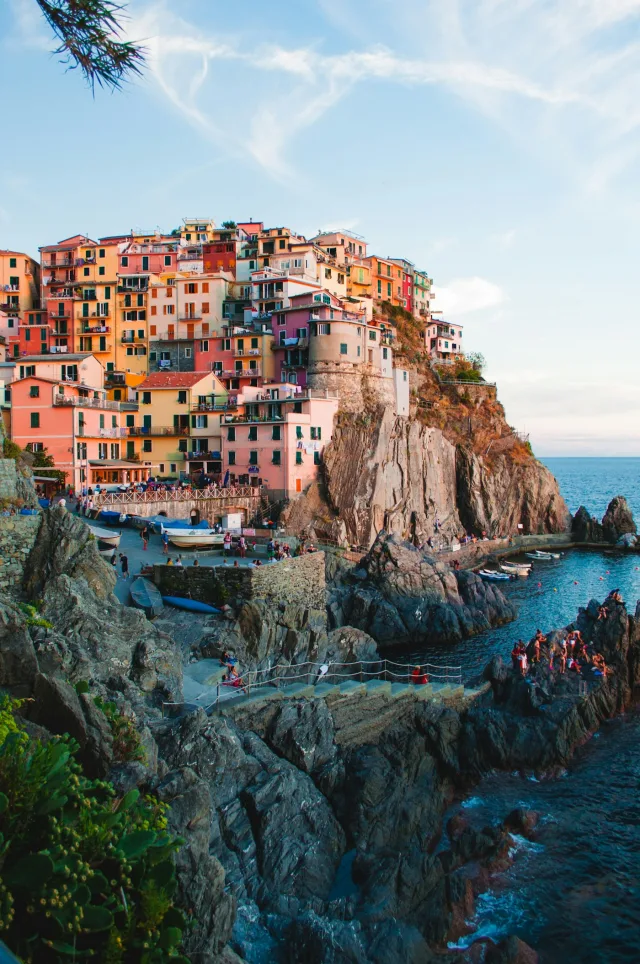
deserve a replay.
Free · 720p with watermark · 20 photos · 60 seconds
720p watermarked exports are free. A project credit unlocks 1080p, without a watermark.
Checking your account…
Optional content check
Optional content check
This sends image copies and captions to OpenAI for a content check. Music and the finished video are not checked. Editing and export still run in your browser.
See a finished photo slideshow
A few places. One small story.
An opening note, a few places and a closing memory. Try the built-in travel photos, then change the text cards, pace, framing and soundtrack in the workbench.
16:9 · 3 photos at 2s each + 3s opening + 3s closing · Warm Days. Free exports: 720p with a watermark.
Shape a story around your photos
Choose a story preset, write an opening and a closing note, then let the maker divide your chosen length between the photos. Give an important moment more time whenever it needs it.
- 01The first stop
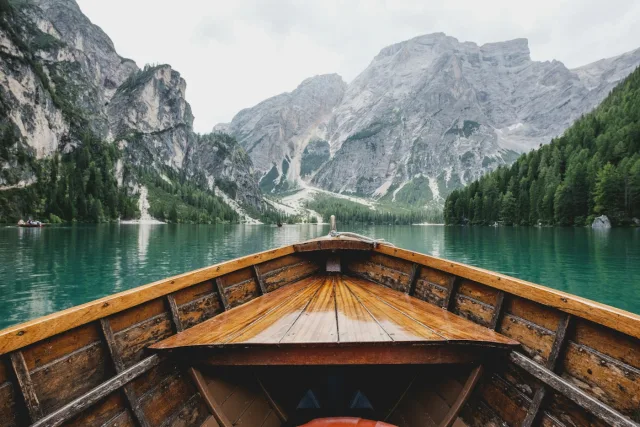 02A slower moment
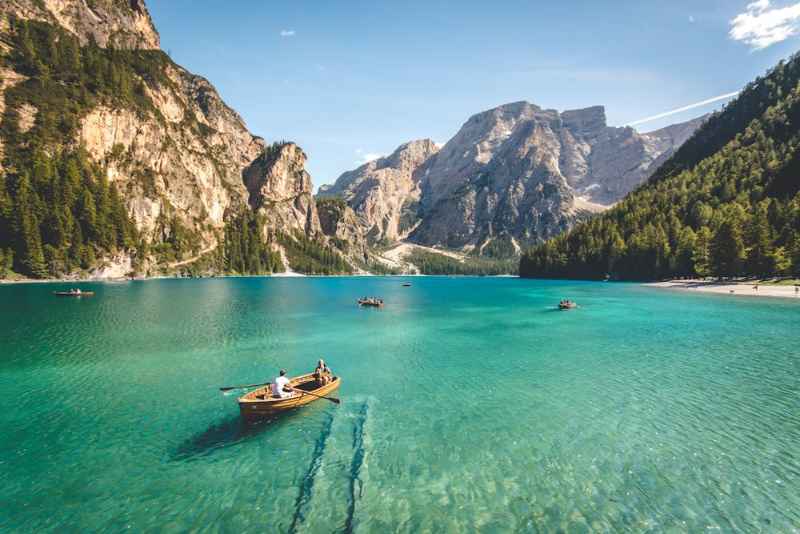 03One more memory
- Your sequence
- Choose your photos and order. Add text cards to open and close the story.
- Your pace
- Share out the time automatically, then adjust individual moments. Cards count toward the total length.
- Your framing
- Keep the whole photo by default. Choose Fill frame for a crop, and preview any fade or gentle movement.
Add music that fits the moment
Choose Quiet Light for a gentle mood, Warm Days for everyday memories or Small Celebrations for a brighter pace. All three bundled instrumentals are available on Free and paid projects. Use optional beat alignment with their known BPM, or keep your own pace. You can also bring one track you have permission to use; uploaded tracks have no automatic beat detection. Follow the soundtrack guide.
Choose a slideshow for your occasion
A quiet tribute, a celebration, a place worth remembering. Find a starting point for your story.
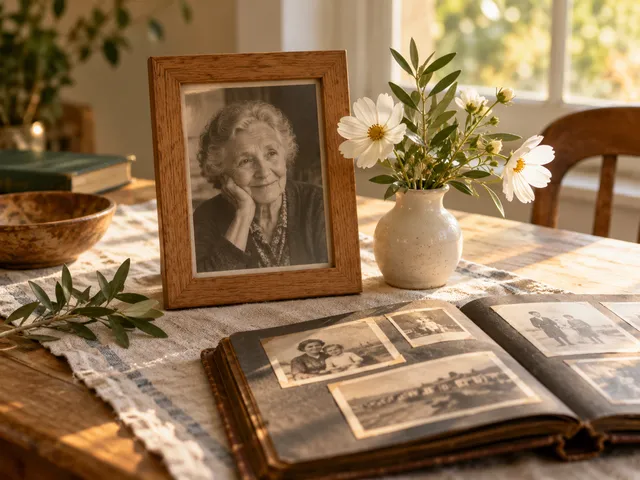 Read the memorials guide
Memorials
Quiet transitions, full photos and unhurried memories.
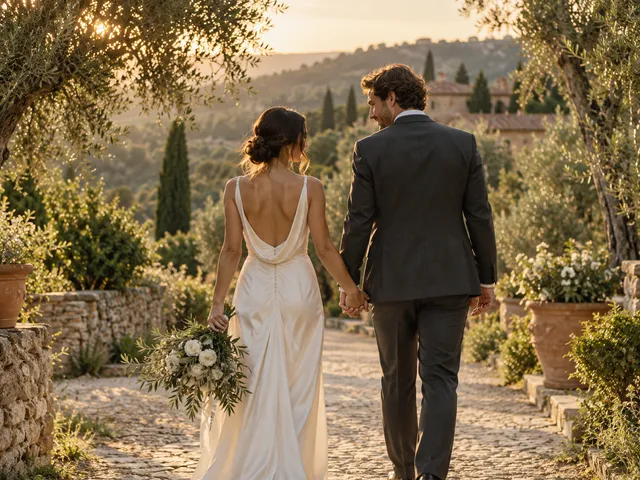 Read the weddings guide
Weddings
Soft ivory titles and a gentle rhythm for your celebration.
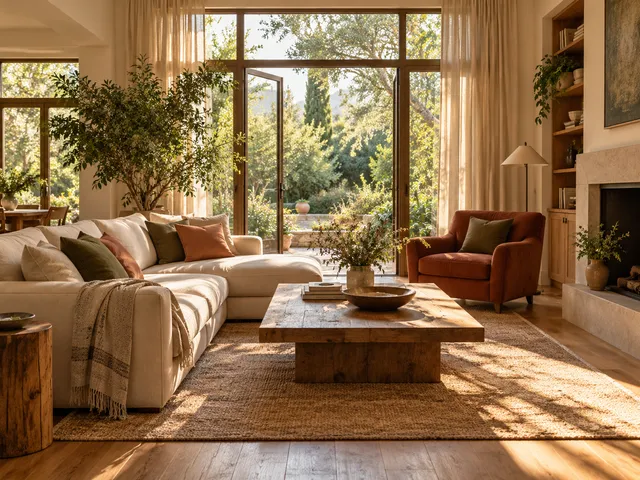 Read the real estate guide
Real estate
Full room photos and clean titles for a short listing tour.
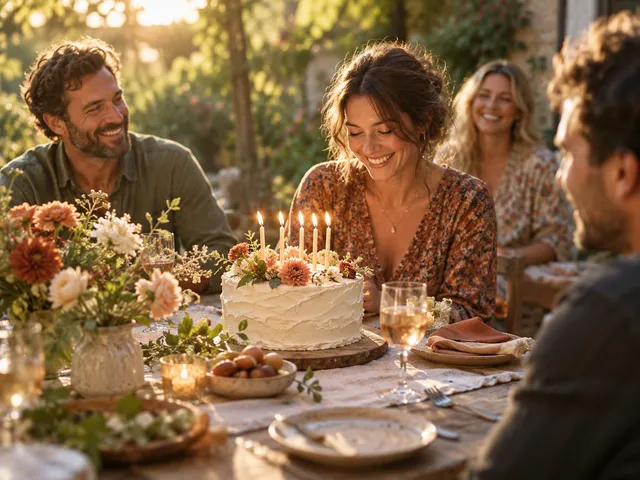 Read the birthdays guide
Birthdays
Warm color and a brighter pace for another year.
 Read the anniversaries guide
Anniversaries
A warm, steady story of the years you share.
 Read the baby memories guide
Baby memories
Soft color, full photos and space for milestones.
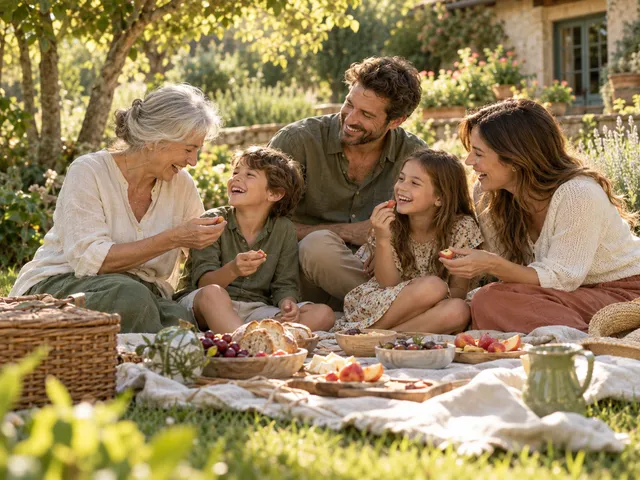 Read the family guide
Family
Simple, warm frames for the people who feel like home.
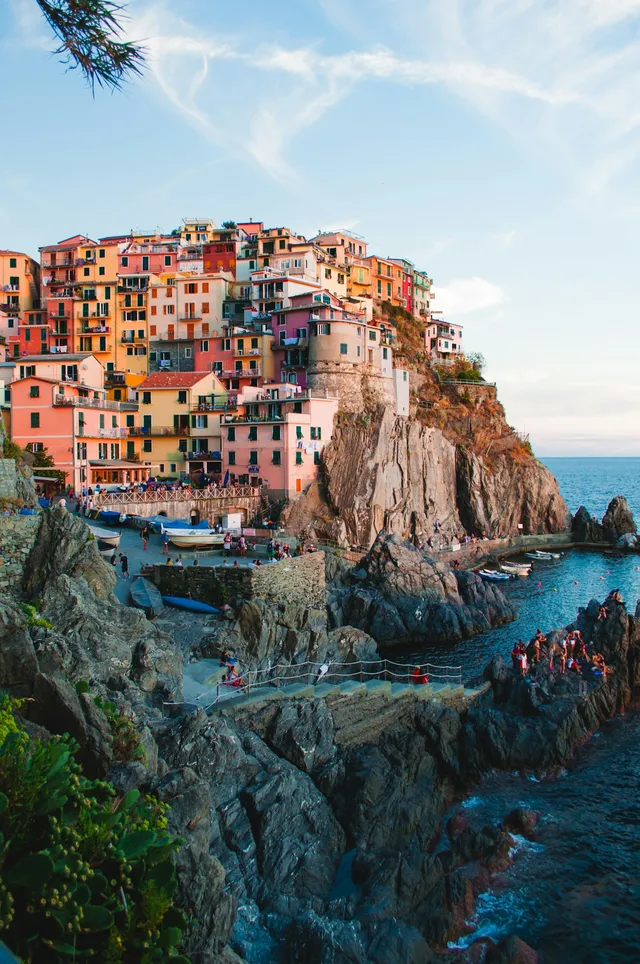 Read the travel guide
Travel
Portrait frames and easy movement for days away.
 Read the pets guide
Pets
A gentle story for everyday joy or a loving goodbye.
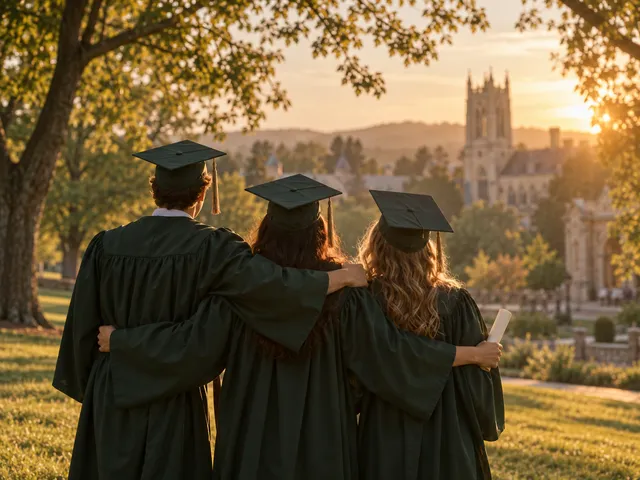 Read the graduation guide
Graduation
Confident titles and a brighter pace for a big milestone.
AI scene illustrations · Travel photo from Unsplash. Image credits
Preview, export and play your slideshow
Check the pacing and framing in the preview, then export an MP4. Download the file and test it in the player you plan to use. Check the TV and venue playback steps.
Back to the workbench- 16:9
- 1280 × 720
- 9:16
- 720 × 1280
- 1:1
- 720 × 720
Know the limits before you export
Check your files and the current export limits before you begin.
| What to check | Current support |
|---|---|
| Photos | JPEG, PNG or WebP, 20 MB each and 100 MB total. Free exports: up to 20 photos. Paid projects: up to 50. |
| Length | Free: up to 60 seconds. Paid projects: up to 180 seconds. Opening and closing cards are included in that total, without using photo slots. |
| Story settings | 11 occasion presets, separate opening and closing text cards, automatic photo timing, and optional beat alignment for bundled tracks with known BPM. |
| Music | Choose Quiet Light, Warm Days or Small Celebrations, or add one MP3, WAV or M4A file up to 30 MB. The same three instrumentals are available on Free and paid projects. |
| Video file | Downloadable MP4 with H.264 video at 24 fps and AAC audio when music is added. |
| Browser support | Export needs compatible WebCodecs encoding support. Use a current Chrome or Edge browser and check support in the workbench. Availability varies by browser and device. |
| Draft storage | Local drafts stay in this browser until cleared. Signed-in users with project credits can explicitly save private server projects for 30 days from first save. |
| Account and payment | No account needed for free, watermarked 720p exports. Paid project credits unlock 1080p. Checkout is not open yet. |
Keep your original photos, music and downloaded video. A browser draft is not a permanent backup.
Before you make your slideshow
Do my photos leave my device?
Editing and free 720p export run in your browser. Saving a private project and exporting 1080p send your photos and music to the server. If you agree to the optional content check and press Check photos, image copies and captions are sent to OpenAI. Music is not sent for that check. Nothing is uploaded just by adding photos.
Can I come back to my slideshow later?
The workbench saves a local draft for this browser and account. You can also explicitly save a private paid project, then reopen it from My projects on another device after signing in. Server files expire 30 days after first save. Keep your originals and download a separate copy.
Can I keep the whole photo visible?
Whole photo is the default: it keeps the image inside the frame, with space around it when the shapes differ. You can choose Fill frame to crop the edges instead. Preview the chosen aspect ratio before exporting, especially for group portraits and old photographs.
Where does the music come from?
Choose one of three bundled instrumentals: Quiet Light, Warm Days or Small Celebrations. All three are available on Free and paid projects. You can also add your own MP3, WAV or M4A with permission to use it, or make a silent version. Each slideshow uses one soundtrack.
What does automatic timing do?
It divides your chosen video length between the photos after allowing time for any opening and closing cards. You still choose the photos, order and words, and can adjust individual durations. Optional beat alignment uses the known BPM of a bundled instrumental; it does not detect beats in your own audio. Memorial stories can keep a gentle pace without beat alignment.
Will my video play on a TV or phone?
The download is an MP4 with H.264 video and AAC audio when music is included. Playback depends on the device and player. Download the file and test it on the phone, TV, projector or venue equipment you plan to use before the occasion.
What if export is unavailable or fails?
Check the export support message in the workbench. Try the sample in a current Chrome or Edge browser, keep the tab open during export and try a shorter sequence if needed. Encoding support and available memory depend on your browser and device. Keep your original files if you need to try another browser.